Generative AI in Mobile UX Design | Digital Fractal, Edmonton, AB

Generative AI is transforming mobile UX design by automating repetitive tasks and enabling faster, more personalized user experiences. Here’s what you need to know:
- Efficiency Boost: Tasks like prototyping, layout adjustments, and creating design variations that used to take hours or days can now be done in minutes using AI tools.
- Personalization: AI dynamically adjusts app interfaces based on user behaviour, offering tailored experiences that engage users more effectively.
- Accessibility: AI simplifies compliance with accessibility standards, ensuring apps are usable for the 15% of the global population living with disabilities.
- Cost and Time Savings: Canadian businesses report long-term savings of 30–50% by integrating AI into their design workflows.
However, human oversight remains critical. While AI excels at automation, designers provide the strategic vision and ensure outputs align with brand identity and user expectations. Combining AI’s speed with human expertise creates a balanced approach to mobile UX design.
For Canadian organizations, adopting this hybrid model can lead to faster product launches, reduced costs, and improved inclusivity – all while staying competitive in a rapidly evolving digital landscape.
Expert UX/UI Designer Using AI – FULL WORKFLOW
1. Generative AI in Mobile UX Design
Generative AI leverages Generative Adversarial Networks (GANs), where two neural networks work together to create new content based on existing datasets. This technology is reshaping how mobile UX design teams operate, offering tools that adapt UI elements based on user data. Its applications span workflow automation, personalization, accessibility improvements, and ethical oversight, bringing practical benefits to Canadian organisations.
Workflow Efficiency
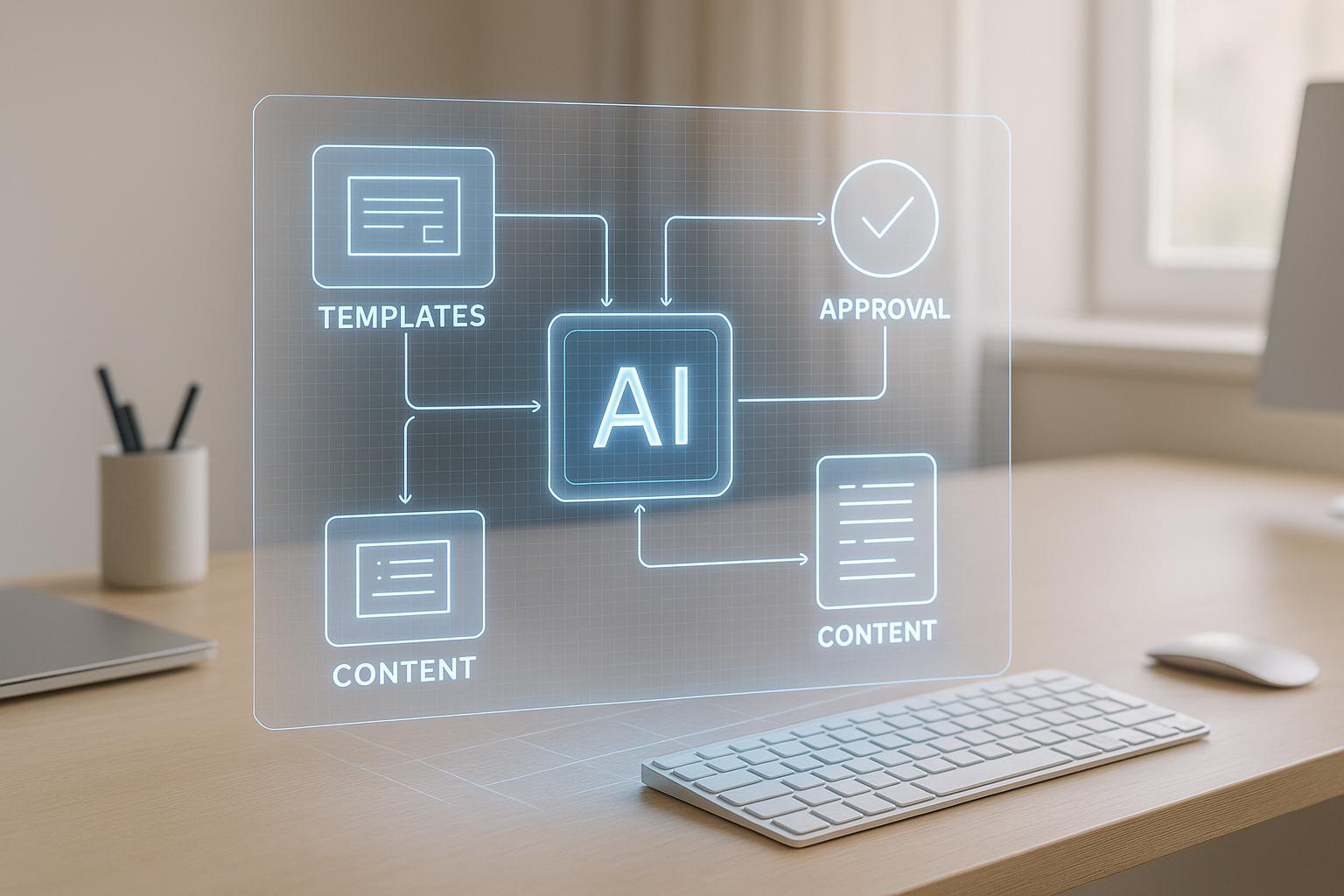
Generative AI has drastically reduced the time it takes to complete design tasks. What once took hours or even days can now be accomplished in minutes. For example, designers can quickly generate mood boards using simple prompts instead of manually gathering visuals. Similarly, prototyping becomes faster and more intuitive. A designer might request, "Create a three-tab onboarding flow with progress indicators, a welcome illustration, and ‘Skip’ and ‘Next’ buttons", and AI tools like Figma or Adobe XD can produce an interactive prototype almost instantly.
Beyond prototyping, AI automates numerous tasks, from responsive adjustments to creating assets. This allows designers to focus on broader strategic decisions while AI handles tedious pixel-level tasks like spacing and alignment. As a result, large-scale projects see fewer errors and faster iteration cycles.
When custom visuals are needed, designers can use prompts like "minimalist line-art food icons" or "3D-style medical device illustrations" to generate high-quality graphics that can be refined further. Similarly, AI can quickly produce textual elements – such as microcopy, notifications, and onboarding messages – allowing teams to explore multiple creative directions while retaining control over the final output.
These advancements naturally pave the way for better personalization and adaptive interfaces.
Personalization and Adaptivity
Generative AI enables personalization engines that adapt content and UI configurations to individual users without requiring manual adjustments. By analysing user behaviour, AI can dynamically modify home screens, suggest relevant content, and even reorder menu items based on preferences. For instance, a fitness app might highlight frequently used features while minimizing less relevant ones.
By processing large datasets and identifying behavioural patterns, AI empowers designers to make informed decisions about personalization. Apps that offer tailored experiences tend to engage users more effectively, giving Canadian businesses an edge – especially in sectors like public services, energy management, and construction, where user engagement is critical.
Another practical application is dynamic theme generation. AI can create consistent theme sets that adjust colours, icon styles, and background patterns to meet accessibility standards. It also supports automated A/B testing, helping designers assess and refine layouts based on real user feedback. AI-driven design systems can even create intelligent components – like buttons and menus – that adapt in response to user interactions, ensuring smoother experiences without requiring manual updates.
Accessibility and Inclusivity
With over 15% of the global population experiencing disabilities, generative AI offers Canadian organisations tools to make their applications more inclusive. AI can automatically generate alt text for images and icons, adjust interfaces for various needs, and ensure elements like colour schemes and typography meet accessibility standards – all while maintaining readability and brand consistency.
Emerging AI-powered accessibility tools are taking this further by learning from individual users and tailoring interfaces in real time to meet specific needs. For Canadian apps – whether in government services or the energy sector – these features ensure that everyone, regardless of ability, can access and use applications effectively without sacrificing design quality.
Such inclusive strategies also align with ethical considerations needed for responsible AI use.
Ethical Governance
As Canadian organisations adopt generative AI, addressing data privacy, bias, and transparency is essential. Safeguarding user privacy while collecting data for personalization is a key challenge.
To use AI responsibly, companies need clear policies on how user data is applied in design. This includes monitoring AI outputs for biases that could unintentionally exclude or disadvantage certain groups. For instance, design variations in colour schemes, imagery, or interaction patterns must be evaluated to ensure they don’t favour specific demographics.
Training design teams on the strengths and limitations of AI is equally important. While AI can handle repetitive tasks and generate rapid design variations, human oversight is crucial to evaluate outputs through ethical and culturally sensitive lenses. Designers must remain in control to ensure inclusivity and creativity.
For organisations aiming to fully integrate AI into their workflows, partnering with experts in AI consulting and digital transformation can help. At Digital Fractal Technologies Inc, we assist Canadian businesses in navigating these complexities by offering tailored AI consulting and custom software development, ensuring responsible AI use in mobile UX design.
2. Conventional Mobile UX Design Methods
Traditional mobile UX design often relies on manual techniques to create wireframes, mockups, and prototypes. While these methods have been the backbone of the industry for years, they require considerable time and resources, which can impact efficiency, personalization, accessibility, and ethical governance.
Workflow Efficiency
The typical workflow for traditional mobile UX design is a step-by-step process: research → wireframing → design → prototyping → testing. This linear approach can stretch the timeline of a project to several months, with each phase requiring significant effort. For instance, manual prototyping alone can account for 20–30% of the project’s duration, as designers painstakingly resize elements, adjust alignments, and create multiple design iterations.
In many cases, a team of 3–5 specialists – UX researchers, UX/UI designers, and interaction designers – is needed to handle these tasks. For Canadian organisations, especially in industries like energy and construction, these extended timelines and resource demands can translate into high costs. Adding to the complexity, designers must manually adapt layouts for various devices, further delaying projects and limiting the ability to implement dynamic personalization.
Personalization and Adaptivity
Personalization in traditional mobile UX design is achieved through manual user research, surveys, and behavioural data analysis. Typically, designers create one main layout – or, at best, a couple of variations tailored to user personas. However, this approach doesn’t allow for real-time adjustments to meet individual user preferences effectively. Without predictive analytics, conventional designs struggle to anticipate and adapt to user needs.
A/B testing is another area where traditional workflows fall short. Designers manually create 2–4 alternative versions of key screens, recruit participants, and conduct controlled experiments over one to two weeks. Analysing the results is also a manual, labour-intensive process. This makes personalization an expensive and time-consuming endeavour. Moreover, traditional methods often lack the agility needed to ensure interfaces are inclusive and accessible.
Accessibility and Inclusivity
Traditional approaches to accessibility rely on manual compliance checks against standards like the Web Content Accessibility Guidelines (WCAG). Designers add features such as alt text, proper colour contrast, and keyboard navigation, but these efforts are often reactive rather than integrated into the design from the outset. This can result in missed opportunities to create experiences that are truly inclusive – an important consideration given that over 15% of the global population lives with some form of disability.
Manual accessibility testing is another hurdle. Each screen and element must be reviewed in detail using assistive technologies, and multiple tests are required to address visual, auditory, motor, and cognitive needs. This thorough process adds both time and expense to the overall workflow.
Ethical Governance
Ethical considerations in traditional mobile UX design are typically addressed through established design principles, industry guidelines, and organisational policies. Designers aim to follow frameworks that prioritise user privacy, transparency, and the avoidance of manipulative tactics like dark patterns. However, enforcing these principles can be inconsistent, especially when projects are constrained by tight deadlines or limited budgets.
Privacy compliance, such as adhering to GDPR or Canada’s PIPEDA, is often handled by legal and compliance teams rather than being integrated into the design process itself. This separation can lead to delays in embedding privacy measures. Additionally, manual processes are prone to human bias, as they lack systematic checks. While design systems and component libraries provide some consistency, they still require regular manual updates.
For Canadian organisations navigating digital transformation, balancing the limitations of traditional methods with the potential of emerging technologies is crucial. At Digital Fractal Technologies Inc, we support businesses in evaluating and improving their design processes through tailored software development and AI consulting services.
sbb-itb-fd1fcab
Pros and Cons
Generative AI and conventional design methods each bring their own strengths and challenges to mobile UX design. By understanding these trade-offs, organisations can make informed decisions about which approach – or combination – best fits their needs. Let’s dive into the key advantages and limitations of both.
Generative AI offers speed and automation that’s hard to match. Tools like Uizard, Wizard, and Visily can transform text descriptions or rough sketches into editable mockups in seconds, significantly speeding up the prototyping phase. What once took weeks can now be done in days, cutting both development time and costs. For Canadian businesses working under tight budgets or strict timelines, this efficiency can translate into reduced labour expenses and faster launches.
That said, AI-generated designs can sometimes miss the mark when it comes to aligning with brand guidelines or established design principles. While AI may create technically accurate layouts, the results aren’t always visually appealing or contextually appropriate. Additionally, relying heavily on the same AI tools across teams can lead to a sameness in design, as outputs are often shaped by shared training data and algorithms.
Generative AI also excels at personalization. Unlike static, one-size-fits-all designs, AI can analyse user behaviour and dynamically adjust layouts, navigation, and content in real time. Achieving this level of individual customisation manually would require creating thousands of variations – a task that’s nearly impossible without automation. On the other hand, traditional methods typically focus on a few variations tailored to broader user personas, which lack the flexibility to adapt to individual preferences.
When it comes to creative control and strategic thinking, traditional methods hold the upper hand. Human designers can draw on intuition, emotional intelligence, and cultural understanding to craft designs that break away from the norm. They can also make nuanced decisions based on user research and competitive analysis – something AI, limited by its training data, struggles to achieve. While AI is great at remixing existing design patterns, it rarely creates entirely new paradigms.
Accessibility is another area where both approaches offer benefits and face challenges. Generative AI can automatically implement features like proper colour contrasts, alternative text, and screen reader optimisation, ensuring consistent accessibility across designs. Considering that over 15% of the global population lives with some form of disability, this automation can be a game-changer. However, human designers are better equipped to address complex user needs and ensure accessibility features enhance, rather than complicate, the user experience.
Cost is another key differentiator. Generative AI requires an upfront investment in tools, training, and possibly hiring specialists who understand both AI and design. While these initial costs can be high, many organisations report long-term savings of 30–50% due to faster workflows and reduced labour costs. For Canadian businesses managing budgets in CAD, these savings can be significant. Traditional methods, by contrast, often involve higher labour costs and longer timelines.
Here’s a quick comparison of the two approaches:
| Aspect | Generative AI Design | Conventional Design Methods |
|---|---|---|
| Speed of Prototyping | Seconds to minutes for multiple variations | Hours to days per design iteration |
| Design Variations | Dozens generated automatically | Manually created |
| Personalization | Real-time dynamic adjustments | Static designs for all users |
| Accessibility | Automated compliance features | Relies on designer expertise |
| Repetitive Tasks | Fully automated | Manual adjustments required |
| Testing & QA | Simulates vast user interactions | Manual scenario testing |
| Cost | Lower labour costs, faster delivery | Higher labour costs, longer timelines |
| Creative Control | Requires human refinement | Full control by designers |
| Scalability | Easily scales across projects | Limited by team size |
| Learning Curve | Requires training on new tools | Familiar processes for most designers |
While AI offers consistency through automated checks, human oversight ensures designs are contextually appropriate. AI may produce technically sound layouts, but it’s human designers who refine them to align with brand identity and user expectations. On the flip side, the quality of traditional methods can vary depending on the skill and experience of individual designers.
The most effective approach often combines both methods. AI can handle repetitive tasks, generate multiple creative directions quickly, and maintain consistency, while human designers provide strategic vision, make final creative decisions, and ensure alignment with broader business goals. This hybrid model shifts design workflows from rigid, step-by-step processes to dynamic, intelligent collaboration.
At Digital Fractal Technologies Inc, we embrace this hybrid approach, blending AI’s efficiency with human creativity to deliver optimised mobile UX designs for Canadian organisations. Whether you’re exploring AI tools or refining traditional workflows, we offer tailored consulting and development services to help you strike the perfect balance between innovation and quality.
Conclusion
Generative AI brings speed and personalization to the table, while traditional methods provide strategic thinking and creative oversight. AI shines in automating tasks and crafting tailored user experiences that would otherwise take hours or days to complete. On the other hand, traditional approaches excel in offering the strategic insight, creative direction, and deep understanding of brand identity and user behaviour that AI simply cannot replicate.
The most effective approach combines the strengths of both. AI can handle repetitive tasks like resizing elements, generating layout variations, and automating accessibility checks. This frees up designers to focus on user research, strategic planning, and maintaining brand consistency. This kind of collaboration marks a shift in mobile UX design – moving from rigid workflows to a more fluid partnership between human ingenuity and machine efficiency.
To make the most of this hybrid model, organisations should identify tasks that are time-consuming but not strategic, and delegate those to AI. For example, AI can quickly generate multiple design prototypes, leaving human designers to refine and perfect the most promising options. Human oversight remains essential for ensuring accessibility compliance, especially under regulations like AODA, and for verifying that AI-generated designs align with the brand and meet user needs.
From a financial perspective, this approach makes sense. Many AI tools come with manageable monthly costs and can pay for themselves within months by reducing labour expenses and speeding up project timelines. Teams often report time savings of 30–50%, allowing smaller groups to achieve more while improving the overall quality of their designs.
Looking ahead, the blend of AI efficiency and human creativity will continue to drive innovation in mobile UX. Canadian organisations that act early – by setting up clear governance for AI use and training designers in these tools – can gain a competitive edge. This means faster product launches, more personalized user experiences, and better accessibility for the over 15% of Canadians living with disabilities.
FAQs
How does generative AI improve the personalisation of mobile app interfaces for users?
Generative AI takes mobile app personalisation to a new level by analysing how users interact with the app, their preferences, and behaviour patterns. This allows apps to deliver experiences that feel tailor-made. From dynamically adjusting layouts to recommending content and features that align with what users actually want, AI makes apps more intuitive and easier to use.
With advanced algorithms at work, mobile apps can offer real-time customisation that helps users feel seen and appreciated. The result? Happier users who are more likely to stick around and keep engaging with the app.
What ethical challenges can arise when using generative AI in mobile UX design, and how can they be managed?
Generative AI is transforming mobile UX design, opening up new opportunities while also introducing some ethical challenges. Key concerns include bias in AI-generated designs, privacy risks, and the danger of becoming too dependent on AI, potentially stifling human creativity.
To tackle these issues, it’s crucial to train AI models using diverse datasets to reduce bias in outputs. Privacy concerns can be addressed by following strict data protection regulations and ensuring users give clear consent before their data is collected. Additionally, striking a balance between AI-driven insights and human expertise ensures that creativity and originality remain at the heart of the design process.
By taking a thoughtful approach, designers can leverage the power of generative AI while maintaining ethical practices and creating user-focused experiences.
How can Canadian businesses use generative AI to improve mobile UX design while saving time and reducing costs?
Canadian businesses have the opportunity to enhance their mobile UX design workflows by leveraging generative AI. This technology can take over time-consuming tasks, speed up the prototyping process, and even inspire fresh design ideas. With these efficiencies in place, teams can dedicate more energy to perfecting user experiences and addressing customer needs.
Collaborating with specialists in AI consulting and custom software development can make the integration of generative AI tools seamless. Tailored solutions not only boost productivity and streamline operations but also improve design quality. Plus, they can help businesses cut costs and shorten development timelines, making the entire process more efficient.