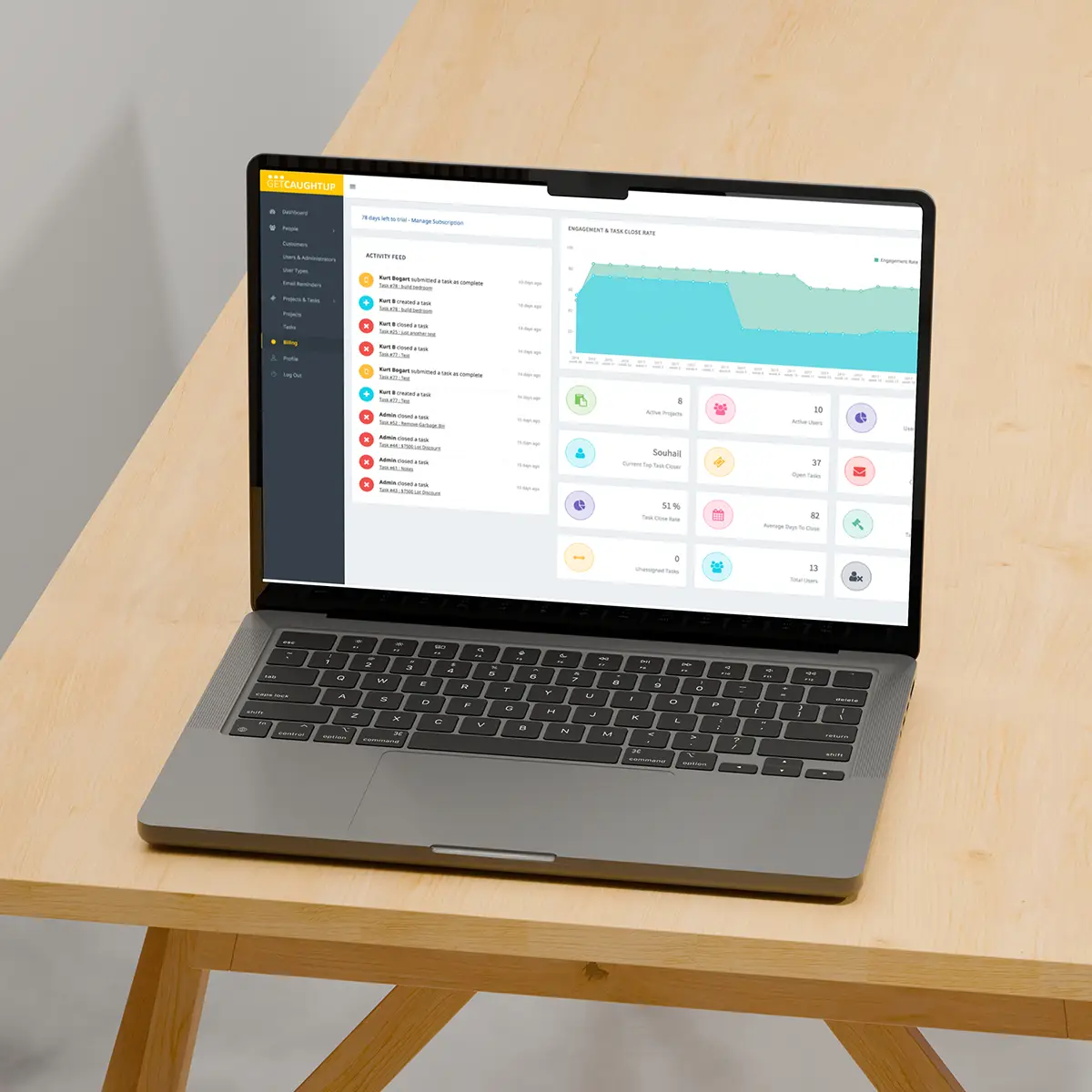
Web Application Development

Custom Web Application Development Company

Build a secure, maintainable web application around the way your organization actually works. Digital Fractal designs browser-based business systems, customer and employee portals, dashboards, workflow applications, APIs and integrations from discovery through deployment and ongoing support.

Custom web application development for Edmonton and Calgary businesses — Digital Fractal Technologies

Custom Web Solutions Built Around Real Workflows

A useful web application does more than put an existing process into a browser. It gives the right people a clear interface, connects the information they need, enforces the appropriate permissions, and makes important work easier to track and improve.

Digital Fractal works with business and technical stakeholders to define the users, workflows, data, integrations and operating requirements before selecting an architecture. The result is a custom web application planned around the organization that must own and operate it—not a generic template forced onto a specialized process.

Our Web Application Development Expertise

Front-End Application Development

We build responsive browser interfaces for operational tools, portals, dashboards and data-driven applications. Interface decisions are guided by user roles, task flow, accessibility, device requirements and the information people need to make decisions.

Back-End Systems and APIs

The back end coordinates business rules, permissions, data and integrations. We design application services and APIs so web interfaces, mobile clients and approved external systems can exchange information through clearly defined boundaries.

Business Portals and Dashboards

Customer portals, employee portals and partner workspaces can centralize tasks, documents, requests, reporting and account information. Dashboards are designed around decisions and actions rather than the volume of metrics that can be displayed.

Workflow and Operations Applications

Custom workflow systems can replace disconnected spreadsheets, email chains and repetitive hand-offs with a shared process. We map statuses, responsibilities, approvals, exceptions and audit needs before translating them into application behaviour.

System Integration and Data Exchange

Web applications often need to work with CRM, ERP, identity, payment, document, communications or reporting systems. We assess the interfaces and constraints of each dependency, then define how data moves, how failures are handled and which system remains the source of truth.

Progressive Web Applications

Where the use case fits, a progressive web application can provide an installable, responsive experience from a shared web codebase. Offline behaviour, notifications and device access depend on the required browsers, operating systems and permissions, so these capabilities are evaluated during solution design rather than promised by default.

Web Applications We Build

Operations Portals

Bring task status, approvals, records and operational information into one role-based workspace. An operations portal can support repeatable processes while reducing the need to reconcile information across multiple tools.

Customer and Partner Portals

Give authorized external users a consistent place to submit requests, exchange documents, review status and access relevant account information. The experience can be connected to existing business systems where appropriate.

Dashboards and Reporting Tools

Turn information from one or more systems into views that support a defined operational or management decision. Reporting requirements include the source, update frequency, access rules and the action a reader should be able to take.

Workflow and Case-Management Systems

Coordinate multi-step work across teams with assignments, statuses, approvals, notes and exception handling. These applications are designed around a documented process and the people responsible for it.

Data and Integration Applications

Create a usable layer over APIs, databases or third-party platforms when off-the-shelf interfaces do not support the required workflow. This may include data validation, synchronization, controlled editing and operational reporting.

Explore selected app development projects to see how custom applications can support different workflows and operating environments.

How We Build Web Applications — Start to Finish

1. Discovery

We document the business objective, users, current workflow, source systems, constraints and acceptance criteria. Discovery establishes what the application must do and what remains outside its scope.

2. Design and Architecture

We shape the information structure, user experience, system boundaries, data model, integrations and deployment approach. Technical decisions are tied to the actual requirements rather than a fixed framework preference.

3. Iterative Development and Testing

The application is built in reviewable increments. Functional, integration and user testing are planned around the risks and acceptance criteria of the project, with stakeholder feedback used to refine the product before launch.

4. Controlled Release

The application is deployed to an appropriate test or staging environment so workflows, permissions, data movement and operational procedures can be verified. Release planning also covers training, migration and rollback needs where they apply.

5. Launch and Improvement

After approval, the application moves into its production environment with the agreed monitoring, documentation and handoff. Post-launch support is scoped according to the application and the operating arrangement.

AI-powered web application development process — discovery to launch — Digital Fractal Technologies

Architecture for Long-Term Ownership

A web application becomes part of the business systems it connects. Its architecture should therefore support day-to-day operation, controlled change and clear technical ownership—not only the first release.

Maintainable Structure

Application components, business rules and interfaces should be organized so future developers can understand and change them. Documentation and source-control practices are defined according to the project and handoff requirements.

Roles and Access

User roles, authentication and authorization are designed around the people and systems that need access. Sensitive actions and information receive additional review according to the application's context and risk.

Observability and Error Handling

Logs, monitoring and error reporting help operators understand when important workflows fail or behave unexpectedly. The exact telemetry and alerting plan depends on the application, infrastructure and support arrangement.

Deployment and Change Management

The release process should make changes reviewable and repeatable. Testing, environment separation, backups and rollback planning are chosen according to the system's importance and technical environment.

Modernizing and Integrating Existing Web Applications

Not every project begins with a new build. An existing application may need a clearer interface, a new integration, a phased replacement, updated deployment practices, or targeted work on components that have become difficult to change.

We begin by reviewing the current application, dependencies, source access, data, infrastructure and operational risks. The recommended path may be an incremental modernization, an integration layer, or a staged replacement that protects business continuity while new capabilities are introduced.

AI Capabilities Within a Web Application

Artificial intelligence can be useful when it supports a defined user task and is surrounded by appropriate data access, review points and failure handling. Depending on the workflow, a web application might include document processing, natural-language search, assisted drafting, classification, recommendations or task coordination.

For multi-step work that requires tool access, approvals and escalation boundaries, we can connect a web application to purpose-designed AI agents. For conversational intake or support workflows, a dedicated AI chatbot may be the more focused option.

AI is not added automatically to every project. We evaluate whether it improves the workflow, what information it may access, how its output will be reviewed, and how quality and operating cost can be monitored.

Web Application or Mobile App: Choosing the Right Delivery Model

A responsive web application is often appropriate when users need access through a browser, centralized deployment and support across common desktop and mobile devices. A native or cross-platform mobile app may be a better fit when the experience depends on app-store distribution, deeper device features, sustained offline use or mobile-specific interaction patterns.

Projects that include native mobile applications, cross-platform products or a broader combination of app and software work belong under our custom app and software development pillar. Discovery can determine whether the product should be web-first, mobile-first or delivered through coordinated interfaces.

Deployment, Maintenance and Support

Launch is a transition into live operation, not the end of the product lifecycle. Depending on the engagement, post-launch work can include monitoring, issue investigation, updates, dependency maintenance, infrastructure coordination and planned feature improvements.

Our software hosting, maintenance and support service explains the ongoing operating support available after a web application is launched or when Digital Fractal takes over an existing system.

Frequently Asked Questions

How long does a custom web application take to build?

The schedule depends on scope, integration complexity, data readiness, user roles, migration needs and the required validation process. Discovery produces a phased roadmap and project-specific estimate rather than relying on one timeline for every application.

What technologies do you use for custom web application development?

Technology choices are based on the product requirements, existing environment, team ownership, integrations and maintainability needs. The final architecture and stack are documented during solution design; no framework is treated as the correct choice for every project.

Can you integrate AI capabilities into our web application?

Yes, when AI supports a defined workflow and the necessary data, permissions, review points and quality controls can be established. The right approach may use an existing model, a specialized AI service or a custom component connected to the application.

How much does a custom web application cost?

Cost depends on the required workflows, interfaces, integrations, migration, testing and ongoing operating requirements. We clarify scope and technical uncertainty before preparing an estimate; this page should not publish a universal starting price that may not fit the project.

Do you offer post-launch support and maintenance?

Yes. Support can be scoped for the application and engagement, including maintenance, updates, monitoring and issue response. Coverage and response expectations are documented in the applicable support arrangement rather than implied as a universal SLA.

Do you provide API integration?

Yes. We can connect a web application to approved business and third-party systems when suitable APIs or other supported interfaces are available. Integration planning covers authentication, data mapping, validation, error handling and system ownership.

How do you approach web application security?

Security requirements are considered throughout discovery, architecture, implementation, testing and deployment. The controls and assurance activities depend on the application's data, users, threat exposure, integrations and organizational responsibilities; specific tests or certifications are not assumed without an agreed scope.

Which industries do you work with?

Digital Fractal builds around the workflow and operating requirements of the organization. During discovery, we identify industry-specific data, integration, access and regulatory considerations that may affect the design, while avoiding claims of compliance that have not been explicitly scoped and verified.

Are your web applications responsive across devices?

Responsive behaviour can be included and tested against the supported browsers, devices and screen sizes defined for the project. Progressive capabilities such as offline access or notifications are evaluated separately because browser and operating-system support varies.

What is your web application development process?

Our process moves from discovery through design, architecture, iterative development, testing, controlled release and launch. The plan is adjusted to the application's risks, integrations, users and ownership needs, with review points established for the people responsible for acceptance.

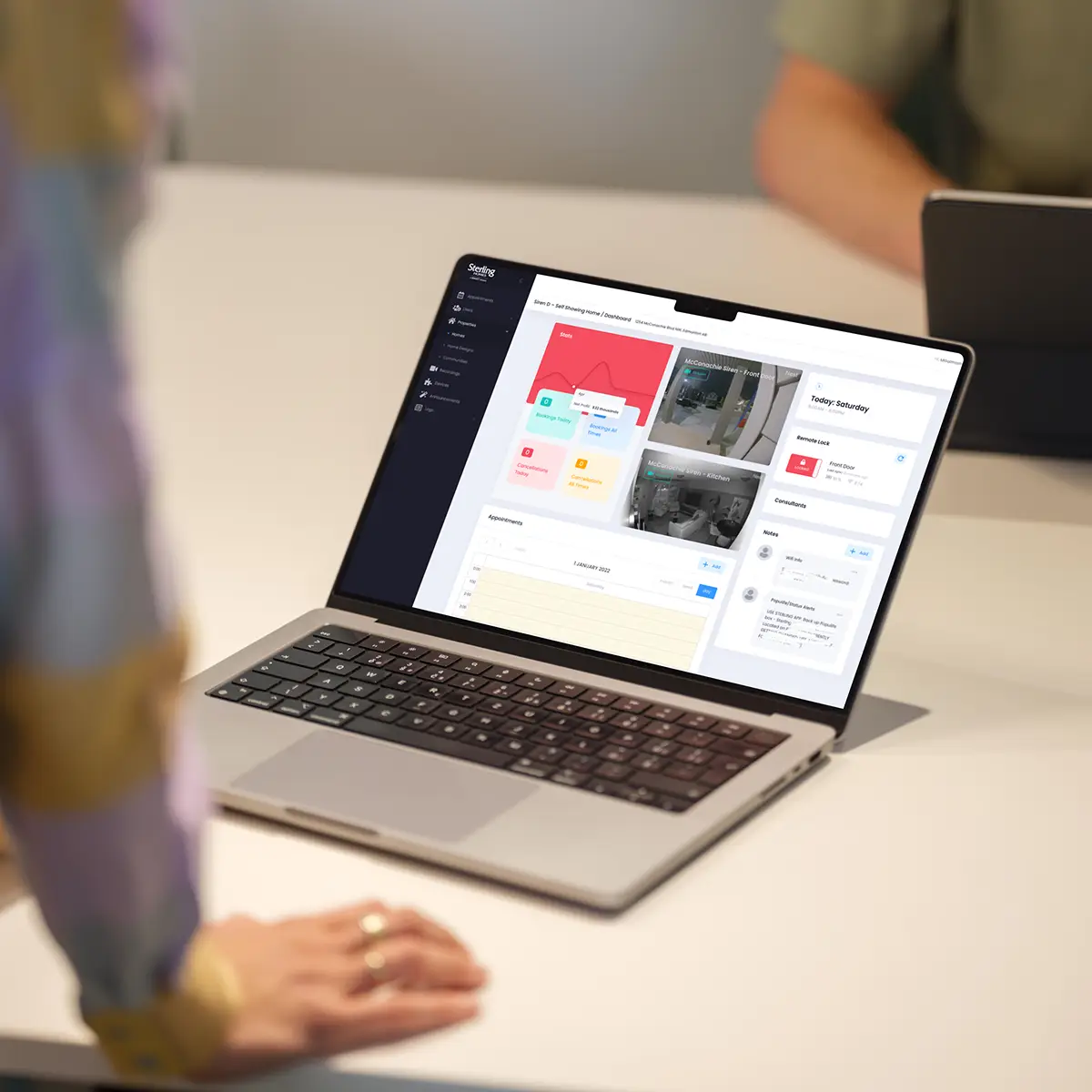
Ready to Build a Web Application Around Your Workflow?

Tell us what your users need to accomplish, which systems are involved, and what is not working today. We’ll help clarify the requirements and a practical next step.

Discuss Your Web Application